Blog
SmartLife Integration: Setting Up Your Air Purifier for Voice Control
In the modern smart home, convenience is king, and nothing says "high-tech sanctuary" quite like controlling your environment with a simple voice command. Integrating your air purifier with the Smart Life (Tuya) ecosystem is the first step toward a fully automated breathing experience. By moving beyond manual buttons, you gain the ability to adjust fan speeds, toggle sleep modes, or check air quality levels without ever putting down your book or leaving your bed. This hands-free approach isn't just a luxury; it’s a practical way to manage your indoor environment in real-time.
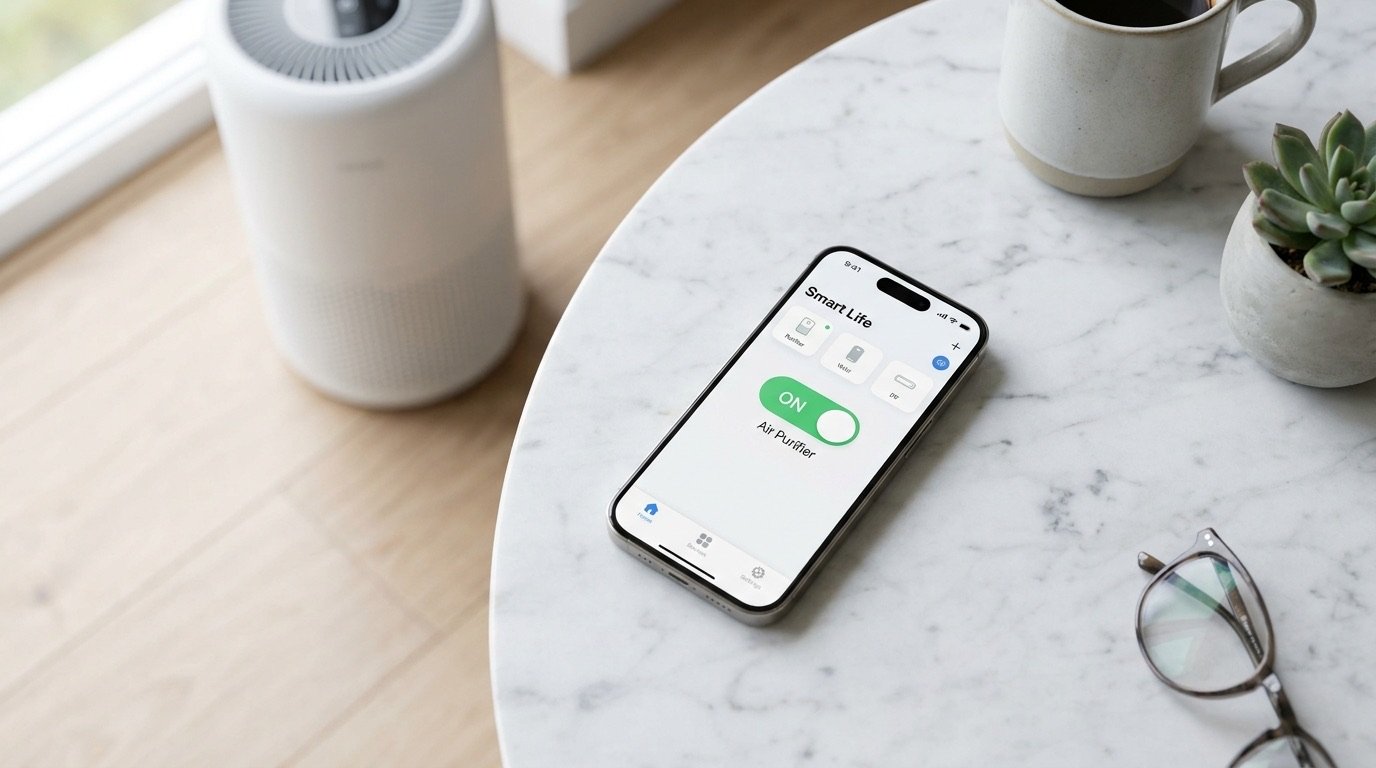
To begin, you’ll need to pair your air purifier with the Smart Life app.[1] Ensure your smartphone is connected to a 2.4GHz Wi-Fi network, as most smart appliances require this specific frequency for a stable connection. After putting your purifier into pairing mode—usually indicated by a flashing Wi-Fi icon—simply tap the "+" icon in the app, select "Small Home Appliances," and choose "Air Purifier."[1] Once the device is successfully added to your dashboard, you can rename it to something simple like "Living Room Air" to make voice commands more intuitive later on.
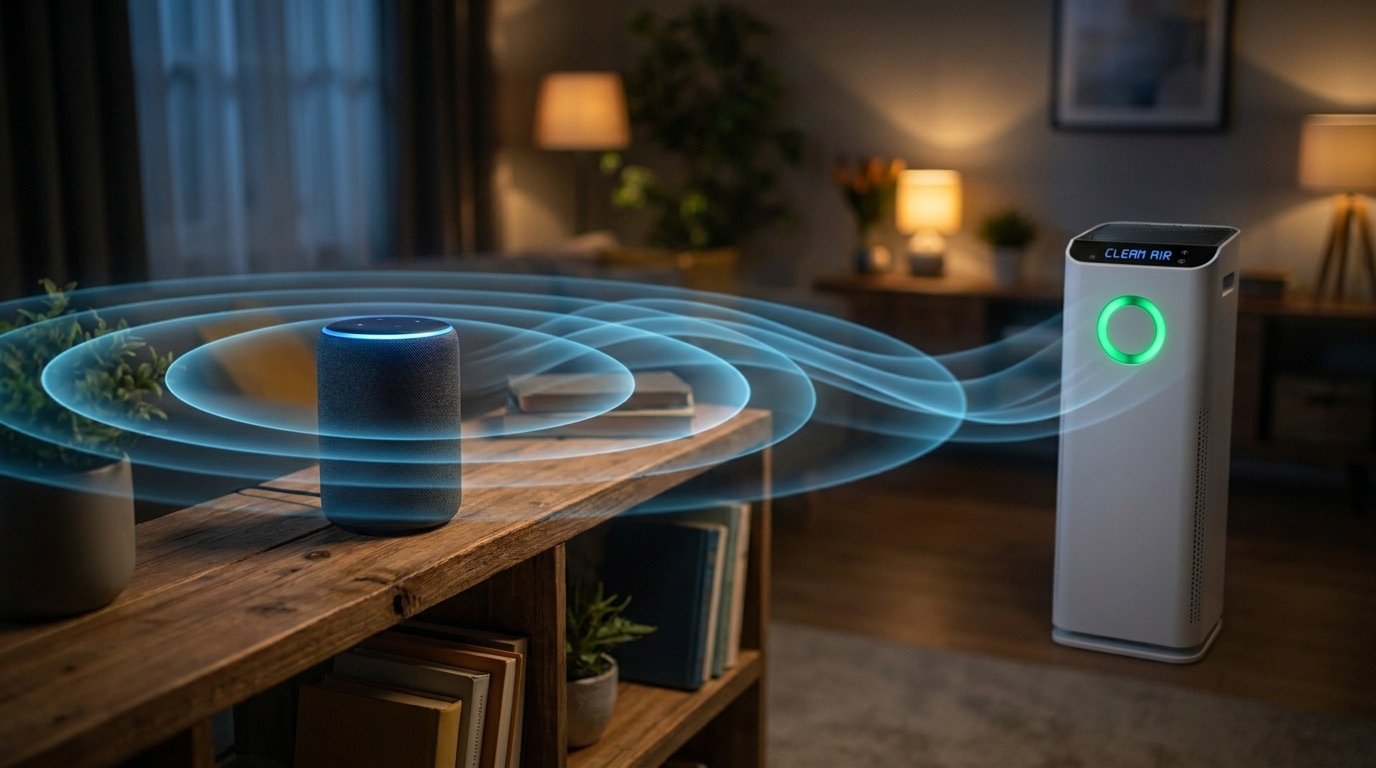
The true magic happens when you link Smart Life to a voice assistant like Amazon Alexa or Google Home. For Alexa users, navigate to "Skills & Games" in the Alexa app, search for "Smart Life," and enable the skill by logging into your account. Google Home users can do this via the "Works with Google" menu.[2] Once linked, these platforms will automatically discover your purifier, allowing you to use phrases like "Alexa, turn on the air purifier" or "Hey Google, set the fan speed to High." This bridge between the app and your smart speaker turns a standalone appliance into a responsive member of your household.
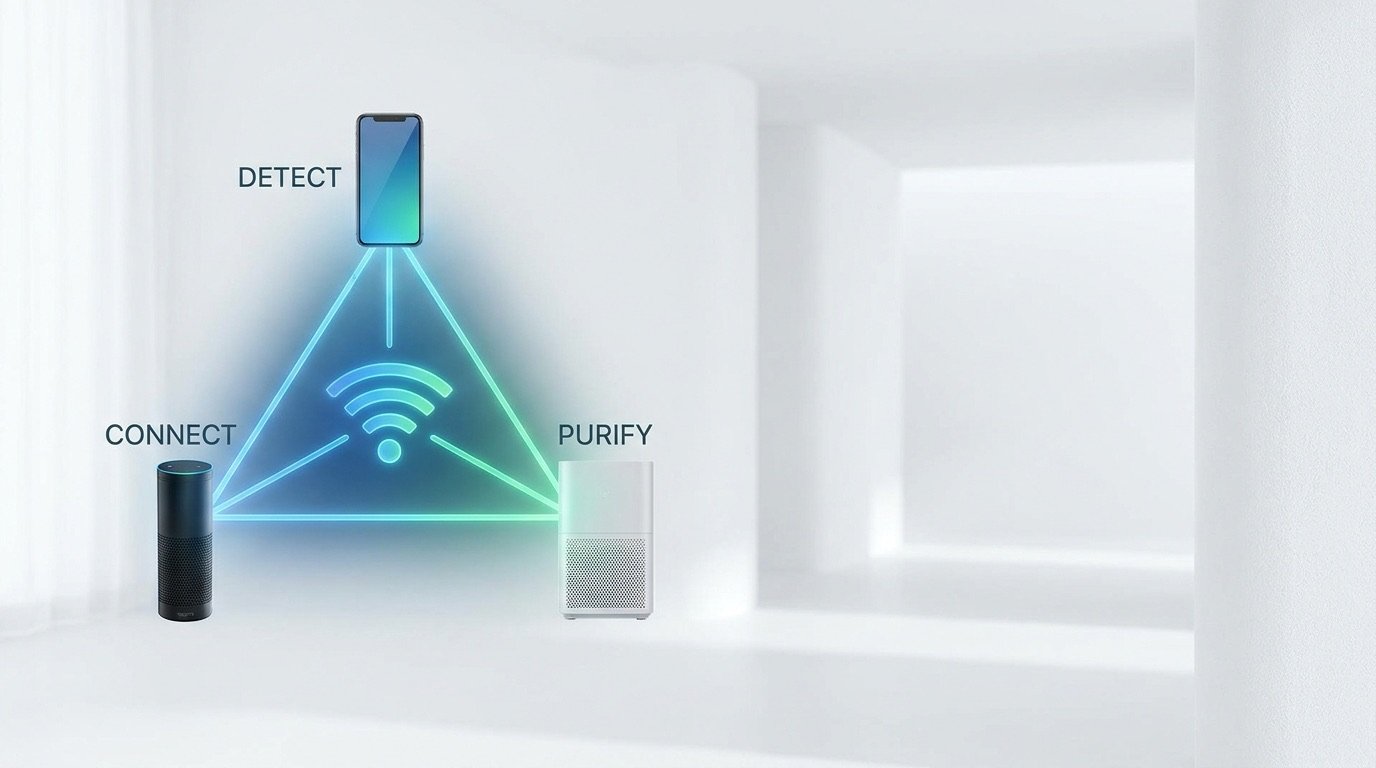
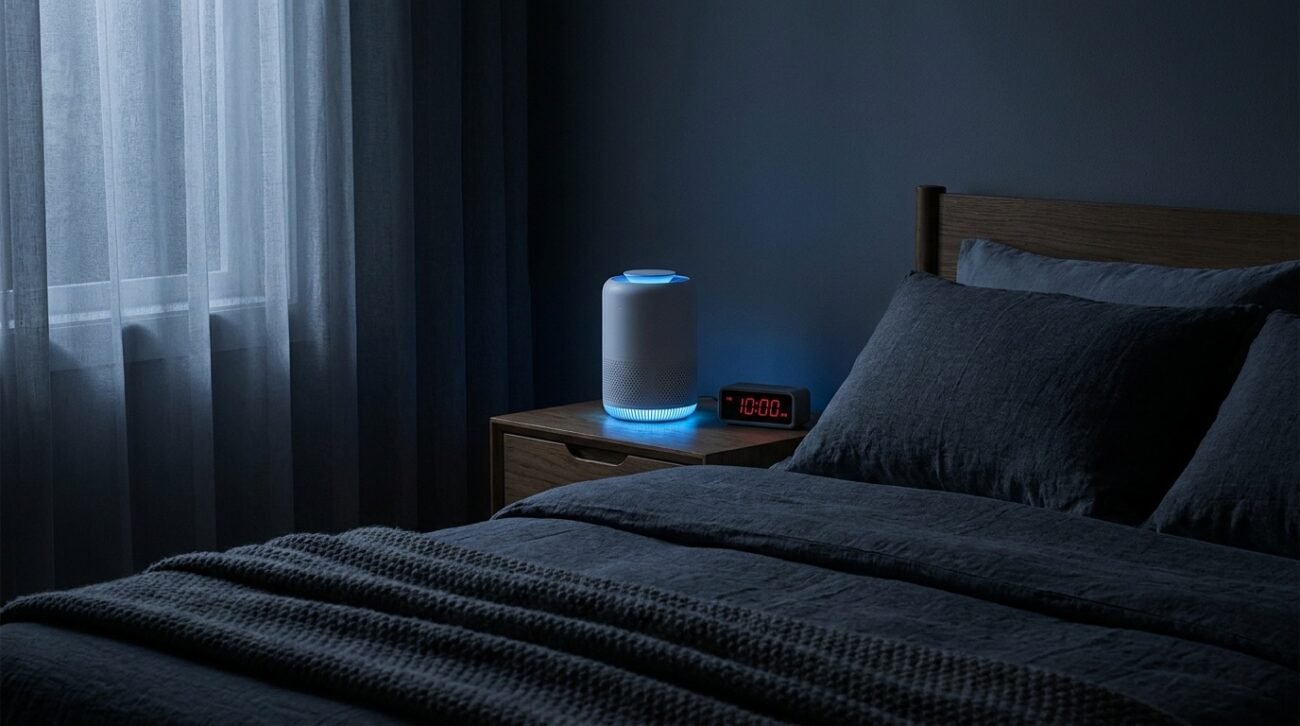
Beyond simple on/off commands, Smart Life integration allows for sophisticated automation and scenes.[3] You can program your air purifier to activate automatically when a smart air quality monitor detects a spike in PM2.5 levels, or set it to "Quiet Mode" every evening at 10:00 PM. You can even create "Linkages" where your air purifier turns on the moment your smart thermostat detects the air conditioner has started, ensuring that cooled air is also cleaned air. These "If This, Then That" (IFTTT) style routines take the guesswork out of air maintenance.
Finally, having voice control enhances accessibility for everyone in the home, particularly the elderly or those with limited mobility. Instead of struggling with small remote controls or floor-level buttons, a simple verbal request ensures the air remains fresh and safe. As smart home technology continues to evolve, your air purifier becomes more than just a filter—it becomes a proactive health monitor that listens to your needs. Embrace the future of clean air by setting up your Smart Life integration today, and breathe easier knowing your home is working for you.